Welcome to the OneStream Community.
Recently active
The OneStream Community is where OneStream customers, partners, and experts solve problems together and help shape the product. Here are answers to the most common questions about joining and signing in. For the short version, see Why join the OneStream Community.What is the OneStream Community?The OneStream Community is the official online home for OneStream customers, partners, and employees. Members ask and answer questions, share ideas for the product, join virtual user groups, and learn from OneStream experts and experienced peers.Is it free to join?Yes. Joining the OneStream Community is free for OneStream customers, partners, and employees.How do I register?Select Register and sign in with your OneStream Okta account. Customers, partners, and employees receive Okta access from OneStream, and you can create your free Community account immediately. You can register at osportal.onestream.com, or sign in directly from the Community sign-in page.What can I do without signing in?Anyon
A new course is now available in Navigator for OneStream customers and partners: Exploring OneStream's New Developer Experience. In about 30 minutes, you'll explore OneStream Developer Studio and decide whether it fits the way you work.Start the course in NavigatorWhy it mattersDeveloper Studio is a desktop application and command line interface (CLI) that connects OneStream to the development tools you already use. It moves code out of OneStream and onto your local machine, so you can work in your preferred tools, such as your own integrated development environment (IDE), AI-assisted development tools and source control.Want to see it in action? Watch Tech Talks After Hours: Learn about OneStream Developer Studio, or read the Developer Studio announcement and the v1.1.0 release notes.What you'll learnYou'll discover why OneStream built Developer Studio, who it's designed for, and how it works. You'll also learn about the high-level setup it requires. After completing the course, you w
A new course is now available in Navigator for OneStream customers and partners: Create a Connected Finance Experience with the Dynamic Cube Wizard. In about 30 minutes, you'll see how to bring external data into OneStream and build dynamic cubes and dimensions with minimal manual configuration.Start the course in NavigatorWhy it mattersThe Dynamic Cube Wizard enables administrators and solution builders to rapidly integrate external data into OneStream. It's one of the Content Blocks in Genesis, OneStream's framework for building navigation-driven pages and dashboards. See the Genesis documentation to learn more.What you'll learnLearners explore the complete wizard workflow:Preparing source SQL queries Configuring dimensions Mapping data Validating results Deploying solutionsBy the end, you'll understand how to use the Dynamic Cube Wizard to support reporting, planning, workforce and analytical use cases, while following best practices for setup and troubleshooting.Who it's forAdminis
A new course is now available in Navigator for OneStream customers and partners: Align Close Deadlines with Working Day Calendar. In about two hours, you'll learn how to give your close one shared definition of which days count as working days, so deadlines line up with how your team actually works.Start the course in NavigatorWhy it mattersWorking Day Calendar is a solution in OneStream Financial Close that provides a central definition of which days count as working days for the close. Instead of each team counting days its own way, due dates and close tasks follow a single calendar.What you'll learnLearners configure Global Options, Date Profiles and Close Dates, then create, preview and manage calendars. They also assign calendars to reconciliations and keep the solution current.Who it's forOneStream Administrators who configure the solution Local Administrators who assign its calendars in Account ReconciliationsCourse detailsDuration: Approximately 2 hours Prerequisite: Working kn
On October 22, we announced the OneStream Sustainability Solution. It replaces and broadens the ESG Reporting & Planning Solution. Many of you are the ones who build, configure, and maintain sustainability processes in OneStream. This post covers what changed and what it means for your work.From ESG reporting to sustainability managementFor many organizations, sustainability started with reporting. New disclosure requirements meant collecting the right data, putting controls around it, and producing numbers people could trust.That work still matters. But Finance teams now also want sustainability data to inform investment decisions, capital allocation, and operational planning. The new solution is built to support that shift. Compliance is the entry point, and sustainable performance is the outcome.An extensible architectureThe Sustainability Solution sits at the center, and you enable specialist extensions as your requirements grow:ESG Reporting Manager handles regulatory and volu
The OneStream User Group program is built by customers, for customers — with full support from the OneStream team. These local gatherings offer a unique opportunity to connect with peers, share insights, and gain valuable knowledge from fellow users and product experts. There are several groups meeting in the coming weeks. Join us in one of the following cities for an energizing session of networking, roundtable discussions, and expert-led conversations: 📍 Upcoming User Group Meetings Oct. 22 – Cleveland Oct. 23 – Minneapolis Oct. 28 – Philadelphia Oct. 23 – Melbourne Oct. 28 – Sydney Nov. 4 - Singapore Whether you're a seasoned user or just getting started, these events are a great way to build community, exchange ideas, and stay ahead with OneStream. To learn more about how to get involved in your local user group email usergroups@onestream.com. New User Groups As promised, new user groups have also been added under the Groups tab i
Did you know that select OneStream training courses are NASBA-certified and offer Continuing Professional Education (CPE) credits? If you’re working toward your annual CPE goals, now is the perfect time to take advantage of these opportunities before the year ends. Our on-demand and instructor-led courses not only help you master OneStream solutions but also allow you to earn credits recognized by professional organizations. Whether you need to sharpen your technical skills, deepen your platform expertise, or stay compliant with professional standards, OneStream training has you covered. Why choose OneStream training? NASBA-Certified CPE Credits – Meet your professional requirements with confidence. Flexible Learning Options – Learn at your own pace with on-demand courses or join live instructor-led sessions. Expert-Led Content – Gain practical knowledge from industry professionals and OneStream experts. Don’t wait—the year-end deadline is approaching! Make sure you hit your CPE goal
OneStream’s certification exams are a hybrid format, delivered live, and remotely proctored. This means that a portion of the exam is traditional multiple-choice items, and a portion is delivered in a lab environment. With so many things that COULD go wrong with that model, most don’t. Most exams are delivered quite successfully, however there are several issues that interfere with the test-taker experience.The most common issues resulting in exam stoppage and a need to reschedule are caused by user error. These avoidable errors will cost you an exam retake fee and valuable time. Learn how to avoid and troubleshoot these issues prior to your exam appointment so that you can have a smooth testing experience.Here are the three most common issues candidates report, and the exact steps to resolve each one. 1. My Login Credentials Are Not WorkingWhat it looks like: You're prompted to log in — either to the lab's Windows environment or to the OneStream application itself — and your usernam
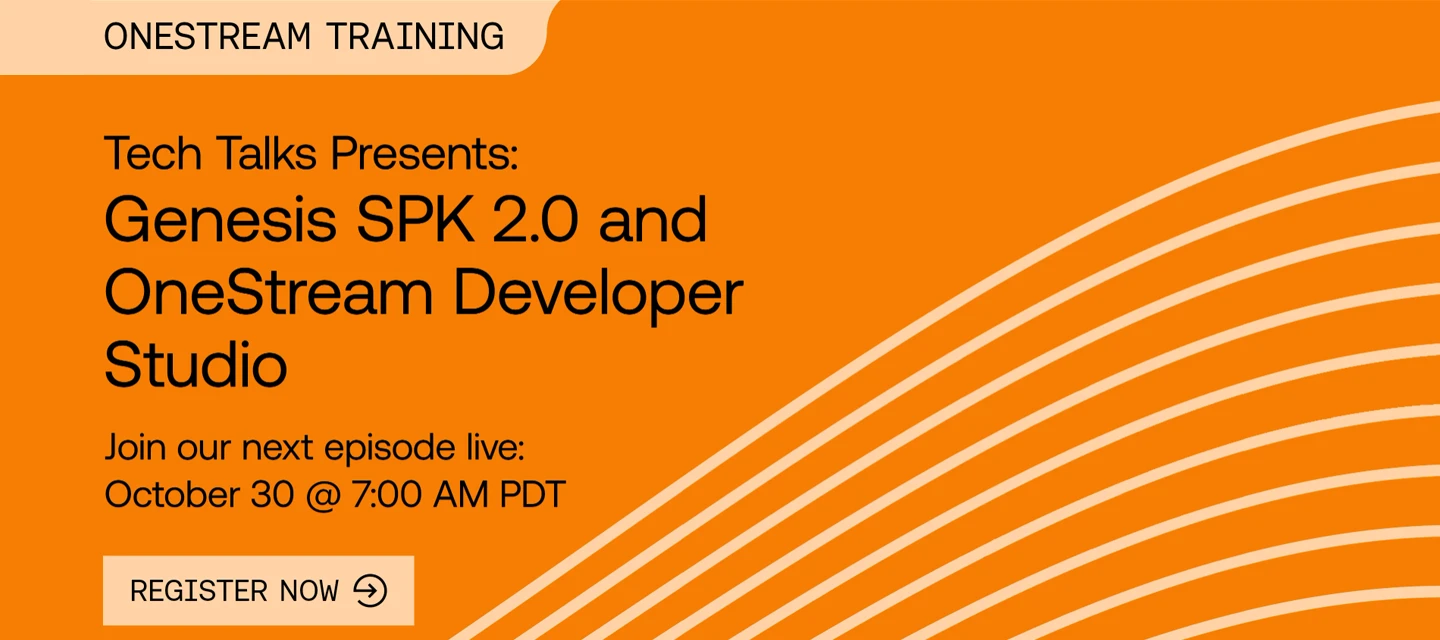
Mark your calendars for Friday, October 30, at 10 AM EDT | 3 PM CET for the next Tech Talks: Genesis SPK 2.0 and OneStream Developer Studio webinar.In this "Developing Developers" edition of Tech Talks, Robb Salzmann and Tony Mallardi walk through what's new in Genesis SPK 2.0 for building and packaging solutions, and Joe Danz shows how OneStream Designer Studio unleashes developers by enabling the use of their own developer tools. Register now!
We are excited to announce that the CPM Express IFRS PV930-SV101 Implementation course is now available on Navigator. This on-demand course is available to customers and partners. Course Description:CPM Express IFRS accelerates time to value (TTV) with a completely extensible application, providing recommended design principles for customers reporting under IFRS. This On-Demand course, featuring video demonstrations, is designed to provide implementation consultants and system administrators with a detailed overview of the CPM Express IFRS offering, along with optional elements that can be configured to enhance applications.Learners will examine the steps required to leverage the wide array of pre-configured "out-of-the-box" components, including setting up the application, extending the pre-built metadata, completing an actuals financial close process, and configuring consolidation logic (including consolidation scope and ownership, data seeding, the Consolidation Logger, and two-pass
Our first Ask the Expert (AtE) session is officially closed, and what a first outing it was. Thank you to everyone who brought a question on Dynamic Dashboards and DataFrame objects — and a big thank you to @JackLacava, Senior Solution Consultant at OneStream, for answering every one of them on video. The Final Round of Answers Is UpThe last batch of video answers, covering every outstanding question submitted before the window closed, is listed below and available in the forum space. Catch up on any you missed below: Prerequisites for using DataFrames? DataFrame Question DataFrames & Fdx Joining Data From Multiple Sources Guidance for Architects Dynamic Dashboards and Modern Browser Experience What is the best practice of "nested" dynamic dashboards Dynamic Grid: ParameterName-bound dropdown columns show stale/duplicated values after horizontal scroll (Kendo virtualization?) How to build a dynamic dashboard based on Security Groups? - Answer coming soon! Badges A
If you've earned a OneStream Certification, be sure to explore the associated skills listed in Credly! These skills correlate to Pearson's Ontology, a massive, constantly updated map that connects skills to real occupations based on millions of job postings worldwide. Select a Skill from the list.Here's why that's worth a click: select any skill on your badge, and Credly will surface the trends and occupations tied to it - a quick way to see how your certification connects to the broader job market, not just to OneStream. A couple things to keep in mind. Only skills with the checkmark are matched to the ontology, so if one of your skills doesn't show it yet, that's expected - not every skill has been mapped. And how much shows up can vary from skill to skill, so don't be surprised if some pages are richer than others. Give it a try on your own digital credential- it's an easy way to see your certification in a bigger context! Check out this brief video from Credly for a little explanat
We're halfway through our first Ask the Expert (AtE) session on Dashboards and DataFrames, and the first batch of video answers just dropped — Jack Lacava has responded to every question submitted before Friday with a video reply, right in the forum thread. Check Your Question!Head back to the AtE forum space to watch Jack's answer to your question — and see what other members asked too. There's a lot of good ground already covered on Dynamic Dashboards and DataFrame objects. Prerequisites for using DataFrames? DataFrame Question DataFrames & Fdx Joining Data From Multiple Sources Guidance for Architects Dynamic Dashboards and Modern Browser Experience What is the best practice of "nested" dynamic dashboards Still Time to AskThe window stays open through end of day Friday, September 25. If you haven't posted a question yet — or have another one — now's the time:Session: Dashboards and DataFrames Expert: Jack Lacava, Senior Solution Consultant, OneStream Open through: F
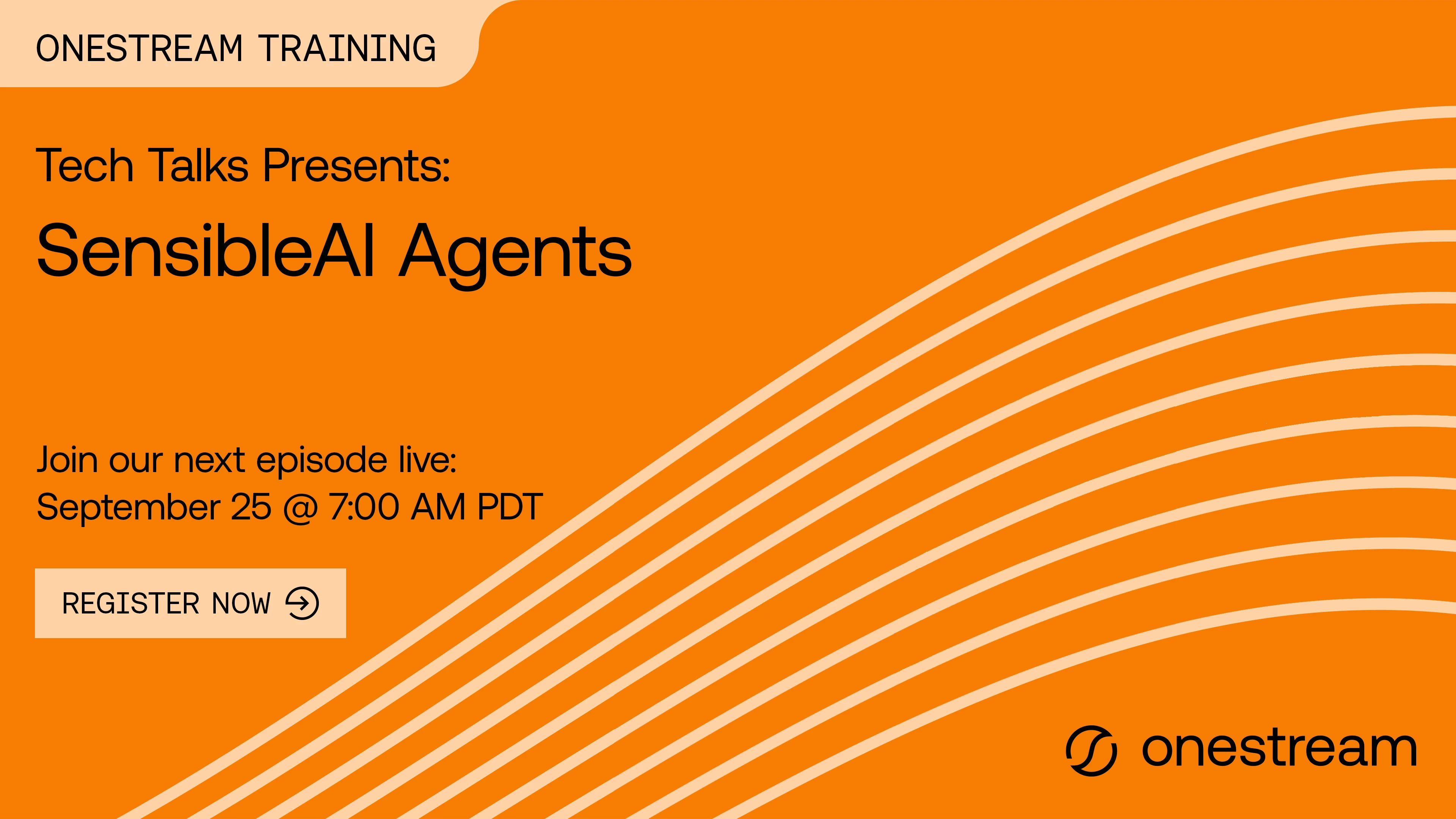
Registration for the live September edition of Tech Talks, SensibleAI Agents, is now open! Curious about SensibleAI Agents but not sure where to start? Join OneStream Senior AI Consultant Suren Lad, Tom Linton, and Kayne Schwarz as they demystify OneStream's AI capabilities, walk through a real implementation from setup to deployment, and show how Finance Analyst and Search can deliver value with no custom coding required. Reserve your seat now!Tech Talks: SensibleAI Agents | OneStream Software
The wait is over: the first Ask the Expert (AtE) forum space is now live, and Jack Lacava, Senior Solution Consultant at OneStream, is standing by to answer your questions on Dashboards and DataFrames."Ask anything about implementing Dynamic Dashboards or using the new DataFrame objects in your rules!" Submit Your Question NowHead to the AtE forum space and post your question. You can submit as many as you'd like between now and end of day Friday, September 25 — Jack will reply right in the same thread with a video answer.Session: Dashboards and DataFrames Expert: Jack Lacava, Senior Solution Consultant, OneStream Open now through: Friday, September 25, 2026 (end of day) Format: Post your question in the forum space; Jack replies with a video answer in the same threadWe'll do our best to get a video answer to every question — the more specific and implementation-focused your question, the better your odds of a great answer. Earn the BadgePost a question during the window and you'll ear
The OneStream Community team is excited to launch a new series in the Community: Ask the Expert (AtE). Each session puts you in touch with a OneStream expert for a live, focused conversation on a topic that matters to your implementation — no slide decks, no sales pitch, just answers. First Up: Dashboards and DataFramesOur inaugural AtE session features Jack Lacava, Senior Solution Consultant at OneStream, tackling one of the platform's most talked-about topics: Dashboards and DataFrames.Here's Jack on what to bring:"Ask me anything about implementing Dynamic Dashboards or using the new DataFrame objects in your rules!"Whether you're rolling out your first Dynamic Dashboard, wrestling with a DataFrame in Business Rules, or just want to see how an expert would approach it, this is your chance to get a direct answer.Session: Dashboards and DataFrames Expert: Jack Lacava, Senior Solution Consultant, OneStream Question window: Monday, September 14 – Friday, September 25, 2026 (end of day)
I've got two quick updates to share to wrap this week up — one brand-new space to check out, and one small habit I'd love every topic author to build into their community routine.Introducing: Community Q&AEver wondered where to post something, how to earn a certification badge, or why you're not getting notifications? I've heard you, and I've built a home for those questions: Community Q&A, now live under the Welcome section.This space is specifically for questions about using the OneStream Community itself — things like:"Where do I find forums for a specific product area?" "How do I update my profile or notification settings?" "Why isn't my post showing up?" "How does the certification badge system work?"It's not meant to replace our product forums like Application Build, Reporting, or Rules — those are still the right place for OneStream technical questions. Think of Community Q&A as your front desk: if you're not sure where something belongs, or you just need help naviga
Registration for the August edition of Tech Talks, Genesis SPK 2.0 is now open. Join Tony Mallardi, Matt Kerslake and Tom Linton look at Genesis Solution Packaging Kit 2.0, a valuable tool for all developers. Reserve your spot now!Tech Talks: Genesis SPK 2.0 | OneStream Software
Hello again, OneStream Community — I've been counting down to this one. After a lot of behind-the-scenes work from our team, I'm thrilled to share that the new OneStream Community is officially live. As of today, you can access it using your standard Okta sign-in, or by heading to community.onestream.com and clicking Login.A quick note before you dive in: while portions of the Community remain publicly available, I'd really encourage Customers, Partners, and Employees to sign in. That's how you unlock role-specific areas and the ability to jump into the conversation with the rest of the Community. What’s New? We packed a lot into this launch, and here's what you can explore right away. Improved Search Results Find what you're looking for faster with improved, unified search across the entire Community — now with an AI-generated summary to get you to the answer even quicker. Universal Tagging Our tagging system is now synchronized across the whole Community. When you post a new topic i
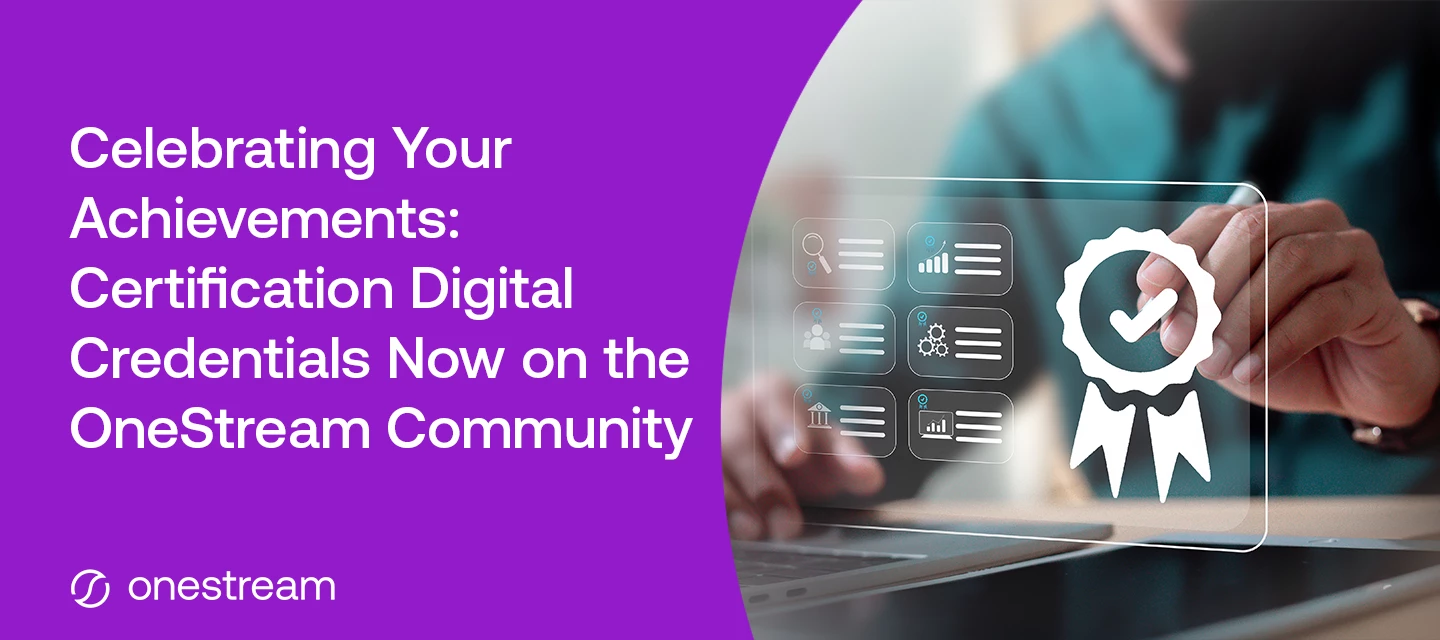
We are pleased to announce that Certification Digital-Credentials will be visible on the OneStream Community as of today, August 3, 2026 — a new way to recognize the accomplishments of OneStream-certified professionals.What's New?If you hold an active OneStream certification, you'll notice your digital credential badge automatically displayed in your OneStream Community profile. They are also viewable if you mouse over someone’s username in the OneStream Community! What action must I take? No action is required. Whether you're connecting with peers, answering questions, or collaborating on solutions, your credential badge signals your expertise at a glance.Why This Matters?OneStream Certifications represent a meaningful investment in proving technical skills, competencies and your commitment to mastering the OneStream platform. By showcasing these credentials in the community, we're giving certified professionals a way to stand out, build credibility, and inspire others to pursue their
New to the OneStream Community? This article walks you through registering for the first time and signing in each time after that.Getting access to the CommunityOnce you become a customer, partner, or employee of OneStream and have access to Okta, you automatically have access to the OneStream Community. There's no separate application or approval step — your Community access comes with your Okta account.You can reach the Community two ways: by clicking the Community tile in Okta, or by navigating directly to community.onestream.com. Both options will sign you in.OneStream Community tile in Okta.Registering for the first timeIf it's your first time visiting, we recommend signing in through the Okta tile. Doing so will prompt you with a username creation form that you must complete on the Community before continuing.This username is only for the OneStream Community at this time and will be tied to your account. Once you've completed the form, you'll be signed in automatically and given
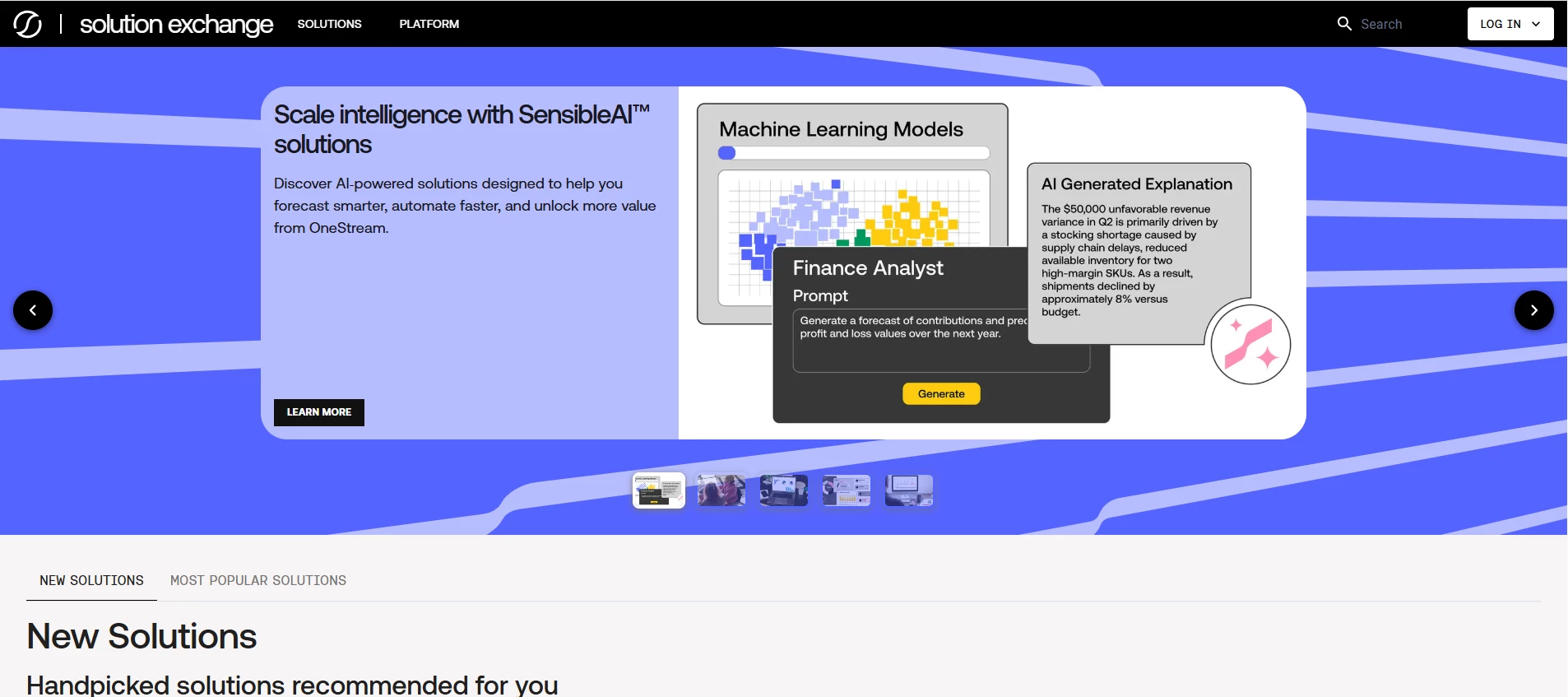
We’re excited to share the next evolution of the OneStream Solution Exchange - now redesigned as a modern, web-based experience that makes it easier than ever to discover, evaluate, and access solutions.Whether you're on a desktop, tablet, or mobile device, the new experience is fully responsive, intuitive, and accessible wherever you work.Explore More EarlierThe Solution Exchange is now a public-facing experience, allowing you to explore all of OneStream’s offerings without logging in. This makes it easier to discover what’s available, understand capabilities earlier, and share information across your organization.Faster Discovery, Better DecisionsFinding the right solution is now simpler and more intuitive:Browse a full solution catalog with categories, tags, and filters Quickly find what you need with improved search and navigation Explore richer solution details, including documentation, related solutions, and version optionsWith this new experience, the Solution Exchange becomes e
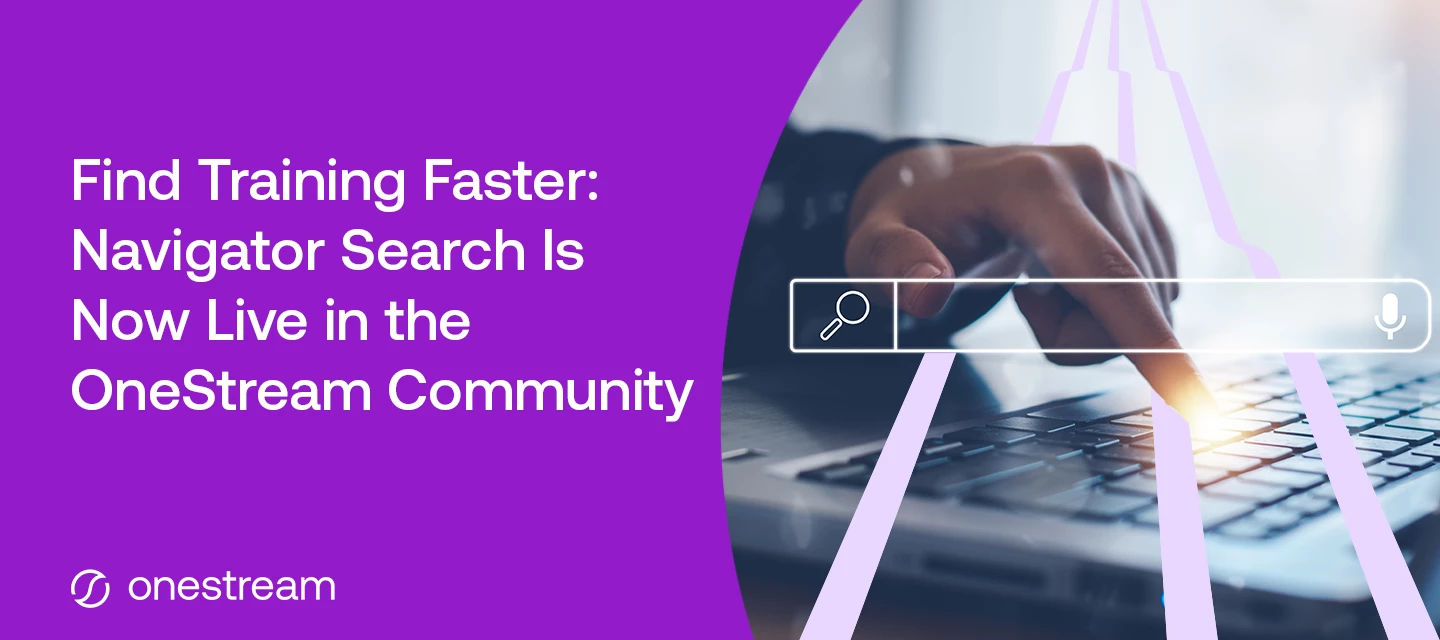
We're excited to announce that you can now search the OneStream Navigator training library directly from the OneStream Community. No more jumping between tabs or trying to remember where a particular course lives — everything is now just a search away, right where you already come to connect, ask questions, and learn from your peers.One search bar, twice the answersThe new Navigator filter option displays the relevant number of results based on the search term/s entered.Until now, finding the right learning content meant leaving the Community and heading somewhere else to dig through the catalog. That extra step is gone. When you run a search in the Community, your results now include both Community content and Navigator training content side by side.You'll see a Navigator tab appear alongside your other search results. Click it to filter down to just the training content, or browse everything together to see the full picture. Whether the best answer is a peer's discussion thread or a
What is happening? OneStream Press books will no longer include certification exam coupons in new publications. As a result, the OneStream Certification Program will no longer honor exam coupons from any book, existing or new.When is this effective? The final date to request a voucher is Thursday, October 1, 2027. All requests must be submitted in ServiceNow by this date. Any book purchased through October 1, 2026 is eligible to request the discount for 12 months from purchase date. October 1, 2027 is the last date to request a voucher for a book purchased October 1, 2026 and earlier.What action must I take? If you have a OneStream Press book and wish to redeem your book coupon for an exam voucher, you must open a ServiceNow ticket with Credentialing and submit your proof of purchase (original receipt or original invoice). All book vouchers must be requested within 12 months of original book purchase date. The exam voucher must be used within 12 months of receipt. When must all v
We're excited to announce the release of the new Genesis Planning course.This self-paced learning experience introduces the core concepts, configuration patterns, and practical use cases behind a planning framework in Genesis. Through guided instruction, demonstrations, and real-world situations, learners will discover how Genesis enables finance teams to rapidly design and deploy modern planning experiences using a flexible, no-code framework.In this course, you'll explore how to:Configure and organize Genesis planning experiences Build intuitive navigation and user-friendly interfaces Leverage content blocks to support planning workflows Create engaging data entry and reporting experiences Apply planning concepts through practical examplesWhether you're a OneStream Administrator, Power User, Solution Lead, or simply looking to expand your Genesis expertise, this course provides a solid foundation for delivering impactful planning solutions faster and with greater confidence.Start you
Already have an account? Login
Enter your E-mail address. We'll send you an e-mail with instructions to reset your password.