Welcome to the OneStream Community.
Recently active
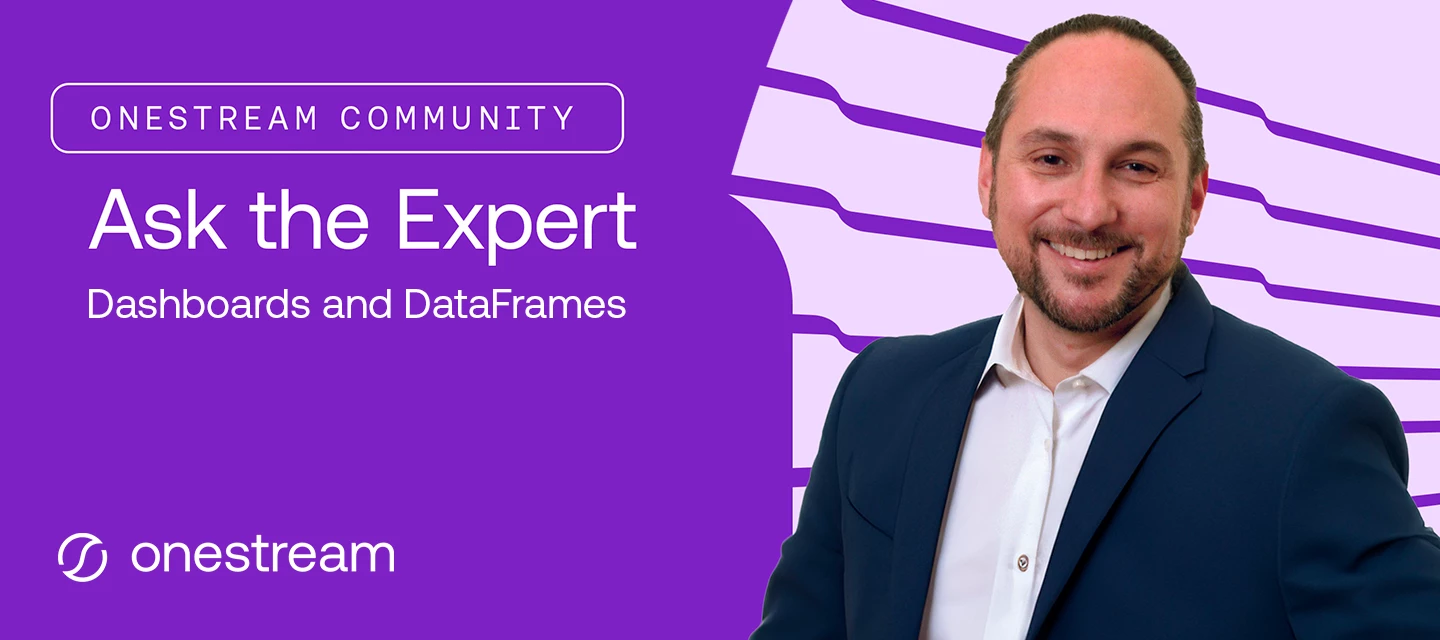
Our first Ask the Expert (AtE) session is officially closed, and what a first outing it was. Thank you to everyone who brought a question on Dynamic Dashboards and DataFrame objects — and a big thank you to @JackLacava, Senior Solution Consultant at OneStream, for answering every one of them on video. The Final Round of Answers Is UpThe last batch of video answers, covering every outstanding question submitted before the window closed, is listed below and available in the forum space. Catch up on any you missed below: Prerequisites for using DataFrames? DataFrame Question DataFrames & Fdx Joining Data From Multiple Sources Guidance for Architects Dynamic Dashboards and Modern Browser Experience What is the best practice of "nested" dynamic dashboards Dynamic Grid: ParameterName-bound dropdown columns show stale/duplicated values after horizontal scroll (Kendo virtualization?) - Answer coming soon! How to build a dynamic dashboard based on Security Groups? - Answer
If you've earned a OneStream Certification, be sure to explore the associated skills listed in Credly! These skills correlate to Pearson's Ontology, a massive, constantly updated map that connects skills to real occupations based on millions of job postings worldwide. Select a Skill from the list.Here's why that's worth a click: select any skill on your badge, and Credly will surface the trends and occupations tied to it - a quick way to see how your certification connects to the broader job market, not just to OneStream. A couple things to keep in mind. Only skills with the checkmark are matched to the ontology, so if one of your skills doesn't show it yet, that's expected - not every skill has been mapped. And how much shows up can vary from skill to skill, so don't be surprised if some pages are richer than others. Give it a try on your own digital credential- it's an easy way to see your certification in a bigger context! Check out this brief video from Credly for a little explanat
We're halfway through our first Ask the Expert (AtE) session on Dashboards and DataFrames, and the first batch of video answers just dropped — Jack Lacava has responded to every question submitted before Friday with a video reply, right in the forum thread. Check Your Question!Head back to the AtE forum space to watch Jack's answer to your question — and see what other members asked too. There's a lot of good ground already covered on Dynamic Dashboards and DataFrame objects. Prerequisites for using DataFrames? DataFrame Question DataFrames & Fdx Joining Data From Multiple Sources Guidance for Architects Dynamic Dashboards and Modern Browser Experience What is the best practice of "nested" dynamic dashboards Still Time to AskThe window stays open through end of day Friday, September 25. If you haven't posted a question yet — or have another one — now's the time:Session: Dashboards and DataFrames Expert: Jack Lacava, Senior Solution Consultant, OneStream Open through: F
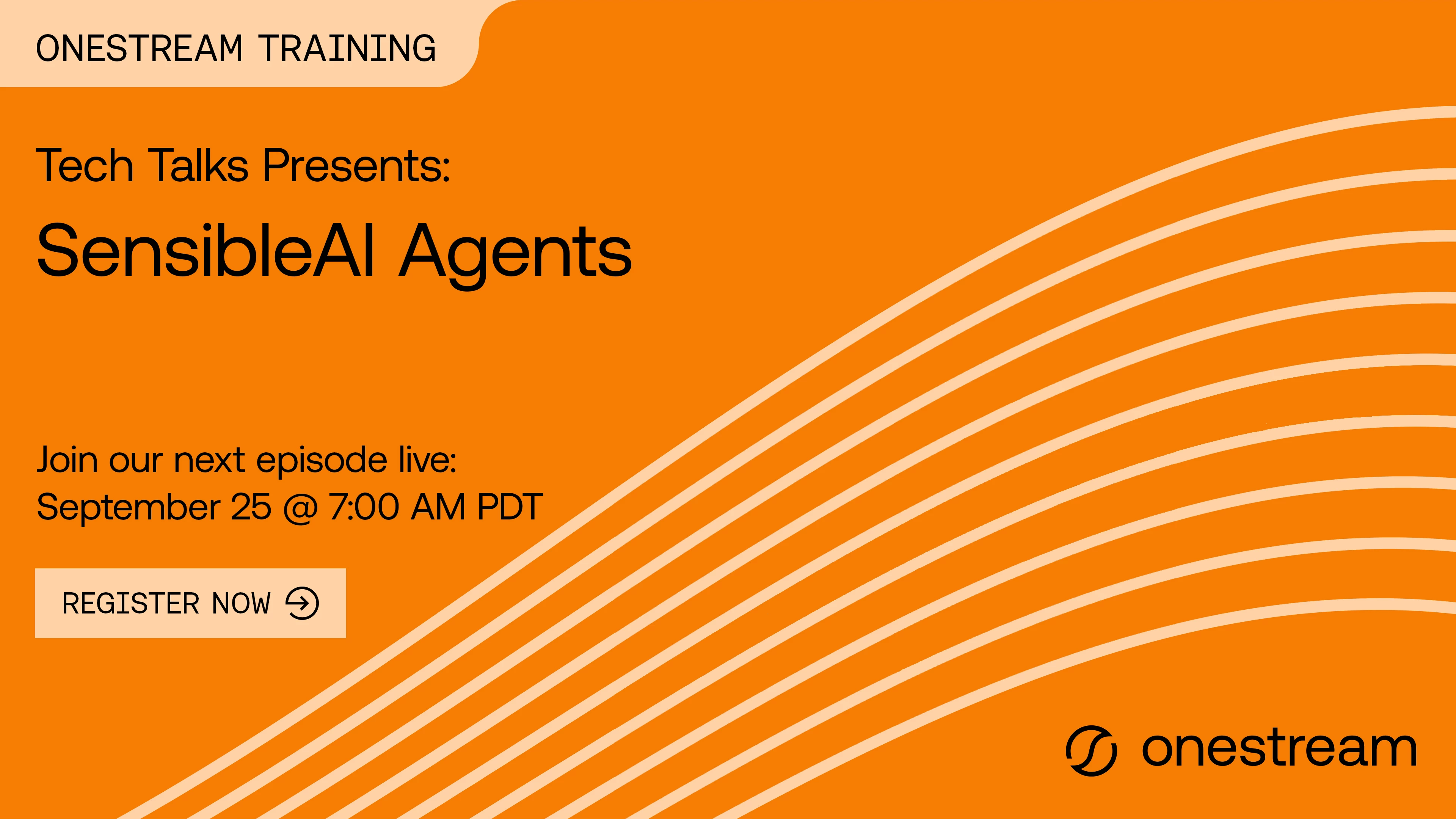
Registration for the live September edition of Tech Talks, SensibleAI Agents, is now open! Curious about SensibleAI Agents but not sure where to start? Join OneStream Senior AI Consultant Suren Lad, Tom Linton, and Kayne Schwarz as they demystify OneStream's AI capabilities, walk through a real implementation from setup to deployment, and show how Finance Analyst and Search can deliver value with no custom coding required. Reserve your seat now!Tech Talks: SensibleAI Agents | OneStream Software
The wait is over: the first Ask the Expert (AtE) forum space is now live, and Jack Lacava, Senior Solution Consultant at OneStream, is standing by to answer your questions on Dashboards and DataFrames."Ask anything about implementing Dynamic Dashboards or using the new DataFrame objects in your rules!" Submit Your Question NowHead to the AtE forum space and post your question. You can submit as many as you'd like between now and end of day Friday, September 25 — Jack will reply right in the same thread with a video answer.Session: Dashboards and DataFrames Expert: Jack Lacava, Senior Solution Consultant, OneStream Open now through: Friday, September 25, 2026 (end of day) Format: Post your question in the forum space; Jack replies with a video answer in the same threadWe'll do our best to get a video answer to every question — the more specific and implementation-focused your question, the better your odds of a great answer. Earn the BadgePost a question during the window and you'll ear
The OneStream Community team is excited to launch a new series in the Community: Ask the Expert (AtE). Each session puts you in touch with a OneStream expert for a live, focused conversation on a topic that matters to your implementation — no slide decks, no sales pitch, just answers. First Up: Dashboards and DataFramesOur inaugural AtE session features Jack Lacava, Senior Solution Consultant at OneStream, tackling one of the platform's most talked-about topics: Dashboards and DataFrames.Here's Jack on what to bring:"Ask me anything about implementing Dynamic Dashboards or using the new DataFrame objects in your rules!"Whether you're rolling out your first Dynamic Dashboard, wrestling with a DataFrame in Business Rules, or just want to see how an expert would approach it, this is your chance to get a direct answer.Session: Dashboards and DataFrames Expert: Jack Lacava, Senior Solution Consultant, OneStream Question window: Monday, September 14 – Friday, September 25, 2026 (end of day)
I've got two quick updates to share to wrap this week up — one brand-new space to check out, and one small habit I'd love every topic author to build into their community routine.Introducing: Community Q&AEver wondered where to post something, how to earn a certification badge, or why you're not getting notifications? I've heard you, and I've built a home for those questions: Community Q&A, now live under the Welcome section.This space is specifically for questions about using the OneStream Community itself — things like:"Where do I find forums for a specific product area?" "How do I update my profile or notification settings?" "Why isn't my post showing up?" "How does the certification badge system work?"It's not meant to replace our product forums like Application Build, Reporting, or Rules — those are still the right place for OneStream technical questions. Think of Community Q&A as your front desk: if you're not sure where something belongs, or you just need help naviga
Has anyone created a submission and it never posts?
Hello,Can you please advise how to get access to OneStream Certification Corner in OneCommunity?OneStream Certification CornerI am getting the attached error.
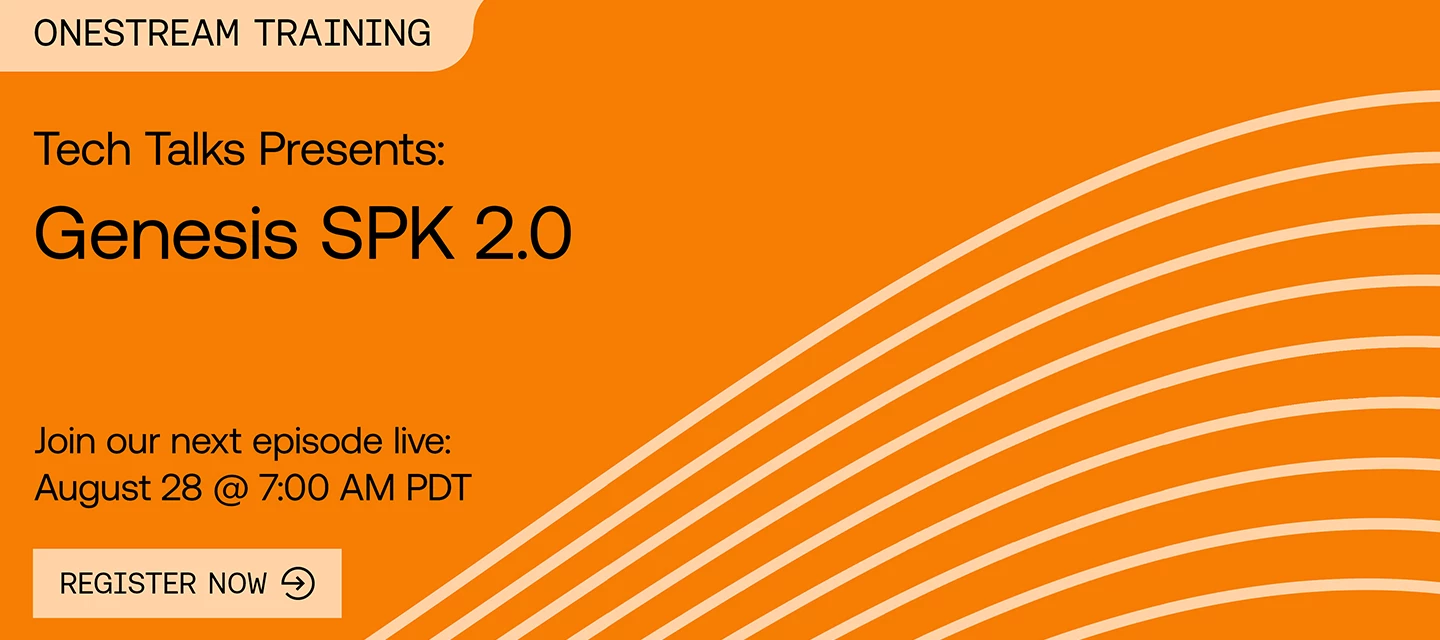
Registration for the August edition of Tech Talks, Genesis SPK 2.0 is now open. Join Tony Mallardi, Matt Kerslake and Tom Linton look at Genesis Solution Packaging Kit 2.0, a valuable tool for all developers. Reserve your spot now!Tech Talks: Genesis SPK 2.0 | OneStream Software
Hello again, OneStream Community — I've been counting down to this one. After a lot of behind-the-scenes work from our team, I'm thrilled to share that the new OneStream Community is officially live. As of today, you can access it using your standard Okta sign-in, or by heading to community.onestream.com and clicking Login.A quick note before you dive in: while portions of the Community remain publicly available, I'd really encourage Customers, Partners, and Employees to sign in. That's how you unlock role-specific areas and the ability to jump into the conversation with the rest of the Community. What’s New? We packed a lot into this launch, and here's what you can explore right away. Improved Search Results Find what you're looking for faster with improved, unified search across the entire Community — now with an AI-generated summary to get you to the answer even quicker. Universal Tagging Our tagging system is now synchronized across the whole Community. When you post a new topic i
When searching Google for a OneStream topic or Community post, the search results will link to the old OneStream Community site. Clicking one of these links leads to an error stating:“User is not assigned to this application.”However, if I search for the same post title directly within the new OneStream Community, I can find and access the content successfully. It’s just blocked when accessing through web search. Could the Community webmaster look into this? Sorry if such thread already exists. Thank you!Ref:
We are pleased to announce that Certification Digital-Credentials will be visible on the OneStream Community as of today, August 3, 2026 — a new way to recognize the accomplishments of OneStream-certified professionals.What's New?If you hold an active OneStream certification, you'll notice your digital credential badge automatically displayed in your OneStream Community profile. They are also viewable if you mouse over someone’s username in the OneStream Community! What action must I take? No action is required. Whether you're connecting with peers, answering questions, or collaborating on solutions, your credential badge signals your expertise at a glance.Why This Matters?OneStream Certifications represent a meaningful investment in proving technical skills, competencies and your commitment to mastering the OneStream platform. By showcasing these credentials in the community, we're giving certified professionals a way to stand out, build credibility, and inspire others to pursue their
New to the OneStream Community? This article walks you through registering for the first time and signing in each time after that.Getting access to the CommunityOnce you become a customer, partner, or employee of OneStream and have access to Okta, you automatically have access to the OneStream Community. There's no separate application or approval step — your Community access comes with your Okta account.You can reach the Community two ways: by clicking the Community tile in Okta, or by navigating directly to community.onestream.com. Both options will sign you in.OneStream Community tile in Okta.Registering for the first timeIf it's your first time visiting, we recommend signing in through the Okta tile. Doing so will prompt you with a username creation form that you must complete on the Community before continuing.This username is only for the OneStream Community at this time and will be tied to your account. Once you've completed the form, you'll be signed in automatically and given
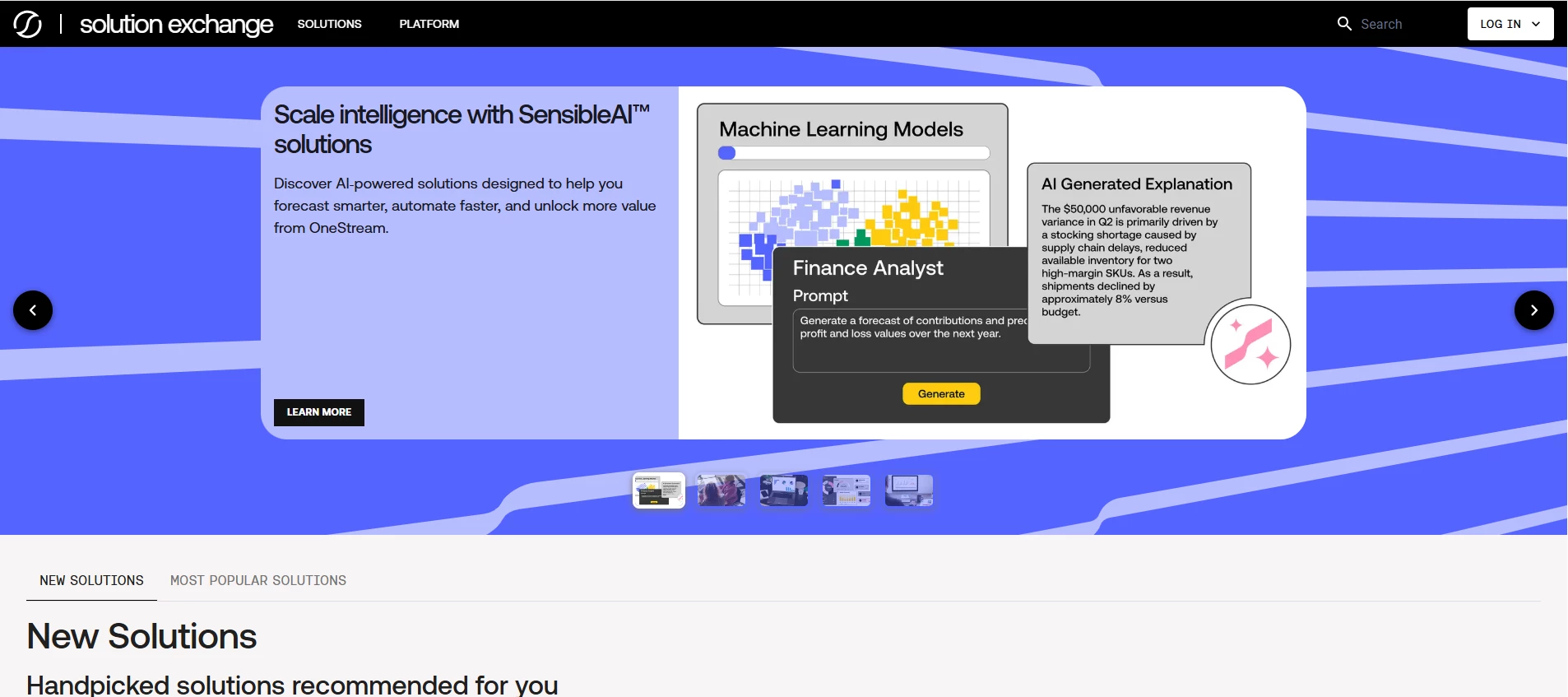
We’re excited to share the next evolution of the OneStream Solution Exchange - now redesigned as a modern, web-based experience that makes it easier than ever to discover, evaluate, and access solutions.Whether you're on a desktop, tablet, or mobile device, the new experience is fully responsive, intuitive, and accessible wherever you work.Explore More EarlierThe Solution Exchange is now a public-facing experience, allowing you to explore all of OneStream’s offerings without logging in. This makes it easier to discover what’s available, understand capabilities earlier, and share information across your organization.Faster Discovery, Better DecisionsFinding the right solution is now simpler and more intuitive:Browse a full solution catalog with categories, tags, and filters Quickly find what you need with improved search and navigation Explore richer solution details, including documentation, related solutions, and version optionsWith this new experience, the Solution Exchange becomes e
We're excited to announce that you can now search the OneStream Navigator training library directly from the OneStream Community. No more jumping between tabs or trying to remember where a particular course lives — everything is now just a search away, right where you already come to connect, ask questions, and learn from your peers.One search bar, twice the answersThe new Navigator filter option displays the relevant number of results based on the search term/s entered.Until now, finding the right learning content meant leaving the Community and heading somewhere else to dig through the catalog. That extra step is gone. When you run a search in the Community, your results now include both Community content and Navigator training content side by side.You'll see a Navigator tab appear alongside your other search results. Click it to filter down to just the training content, or browse everything together to see the full picture. Whether the best answer is a peer's discussion thread or a
What is happening? OneStream Press books will no longer include certification exam coupons in new publications. As a result, the OneStream Certification Program will no longer honor exam coupons from any book, existing or new.When is this effective? The final date to request a voucher is Thursday, October 1, 2027. All requests must be submitted in ServiceNow by this date. Any book purchased through October 1, 2026 is eligible to request the discount for 12 months from purchase date. October 1, 2027 is the last date to request a voucher for a book purchased October 1, 2026 and earlier.What action must I take? If you have a OneStream Press book and wish to redeem your book coupon for an exam voucher, you must open a ServiceNow ticket with Credentialing and submit your proof of purchase (original receipt or original invoice). All book vouchers must be requested within 12 months of original book purchase date. The exam voucher must be used within 12 months of receipt. When must all v
We're excited to announce the release of the new Genesis Planning course.This self-paced learning experience introduces the core concepts, configuration patterns, and practical use cases behind a planning framework in Genesis. Through guided instruction, demonstrations, and real-world situations, learners will discover how Genesis enables finance teams to rapidly design and deploy modern planning experiences using a flexible, no-code framework.In this course, you'll explore how to:Configure and organize Genesis planning experiences Build intuitive navigation and user-friendly interfaces Leverage content blocks to support planning workflows Create engaging data entry and reporting experiences Apply planning concepts through practical examplesWhether you're a OneStream Administrator, Power User, Solution Lead, or simply looking to expand your Genesis expertise, this course provides a solid foundation for delivering impactful planning solutions faster and with greater confidence.Start you
The OneStream Community team is excited to announce the launch of a brand‑new Technical Guides space within the Resources section of the Community—your new destination for expert-driven, practical, and in‑depth technical content. Over the years, our Community has produced a wide range of high‑quality documentation, tutorials, and best‑practice guides. Until now, these materials were scattered across multiple areas. The new Technical Guides space brings all this high‑value content together in one centralized, easy‑to‑navigate location. A Curated Collection of Expert Knowledge Starting today, the new Technical Guides space is live with an initial collection of 66 articles written by OneStream specialists, architects, and power users. These guides cover a broad array of topics—including: Rules & Calculations – Best practices, advanced logic, and real‑world examples Dashboards – Design guidance, component‑level walkthroughs, and visualization strategies Metadata – Structuring, optimiz
Bonne nouvelle pour nos membres francophones — vous pouvez publier dans la communauté OneStream en français !Nous sommes fiers de compter des membres francophones natifs au sein de notre communauté, et nous souhaitons que chacun se sente à l'aise pour poser des questions et partager ses connaissances dans la langue qui lui convient le mieux. Que vous déboguiez une règle de consolidation, partagiez un conseil technique ou participiez à une discussion, n'hésitez pas à écrire en français, en anglais, ou dans les deux langues.Notre communauté est plus forte quand tout le monde peut y participer pleinement — et cela passe par la suppression des barrières linguistiques. Si vous posez une question en français, d'autres membres francophones sont là pour vous répondre. Et bien sûr, les anglophones sont toujours les bienvenus dans la conversation !Alors la prochaine fois que vous avez une question ou une idée à partager, n'hésitez pas — publiez, en français ou en anglais.Bienvenue à tous nos mem
Good news for anyone who ever hit play on the OneStream Podcast: every episode now has a permanent home right here in the OneStream Community.The show itself has wrapped but the conversations were far too good to fade away. So, we've brought the full back catalog into the Community, where you can browse it, listen to it, and share it whenever you like.What you'll find in the archiveThe OneStream Podcast brought together finance leaders, customers, partners, and OneStream experts for honest conversations about the real work of modern finance teams. Across the archive you'll hear practical takes on leading through change, getting more out of your data, and moving finance from reporting the past to shaping what's next.The best part? The tools keep evolving, but the lessons — on leadership, on teams, on doing finance better — are just as relevant today as when the episodes were recorded.Give them a listenWhether you're catching up on a favorite episode or discovering the show for the first
This module provides an overview of the new features and updates in the CPM Express IFRS PV930-SV100 Release Highlights release. This module is intended for administrators and implementers.Delivery Types: On-Demand (OD)Duration: 40 MinutesAvailability: This Course is FreeCourse Link: CPM Express IFRS PV930-SV100 Release Highlights
This OnDemand module is intended for implementors and administrators who are new to coding and/or C# in OneStream. This module reviews introductory C# rules in OneStream. It reviews the XFBR String, Dashboard Data Set, and Dashboard Extender rule types, which are common C# rule types. The module reviews the common use cases and how to create and call the rules. You may encounter C# logic within these rules, and this walkthrough provides an introductory example to help you understand the structure, purpose, and practical use of these rules. Delivery Types: On-Demand (OD) Duration: 45 Minutes Availability: This Course is Free Course Link: Reviewing Introductory OneStream C# Examples
Introduction This Cookie Policy explains how and why OneStream Software LLC (“OneStream”) uses cookies in connection with OneStream Community and related products, offerings, and services (“OneStream Community”). Cookies are small text files placed on your device when using OneStream Community. The cookies used by OneStream Community include cookies that are strictly necessary for the operation of OneStream Community or otherwise functional, as well as optional cookies used for performance, analytics and personalization. By using OneStream Community, you consent to the use of these strictly necessary/functional cookies and, if you gave us your consent, those optional cookies for a better user experience.We Use Cookies OneStream Community uses cookies to properly function and to improve your experience.Additionally, OneStream Community may rely on third-party services for certain functionalities, including, without limitation, for hosting, vulnerability protection, account administratio
Why join the OneStream Community?The OneStream Community is a central source for technical professionals to problem solve, share knowledge, and engage with peers and OneStream. It is made up of technical forums, assorted resources, news, and IdeaStream (product enhancement requests). Joining lets you take full advantage of the Community, including the ability to post comments and questions, receive email notifications when someone responds to your posts, exchange private messages with other members, personalize your community experience, and submit and vote on ideas in IdeaStream.Without an account, you are limited to browsing, searching, and reading posts. You will not be able to give likes, vote on ideas, interact with other community members, or set customization preferences.The OneStream Community is fully responsive and works on mobile devices, so you can participate and stay up to date on the go.Share your ideas and influence the productIdeaStream is a collaborative feedback chan
Already have an account? Login
No account yet? Create an account
Enter your E-mail address. We'll send you an e-mail with instructions to reset your password.