



What's New: Introducing Community Q&A + Why "Best Answer" Matters

I've got two quick updates to share to wrap this week up — one brand-new space to check out, and one small habit I'd love every topic author to build into their community routine.
Introducing: Community Q&A
Ever wondered where to post something, how to earn a certification badge, or why you're not getting notifications? I've heard you, and I've built a home for those questions: Community Q&A, now live under the Welcome section.
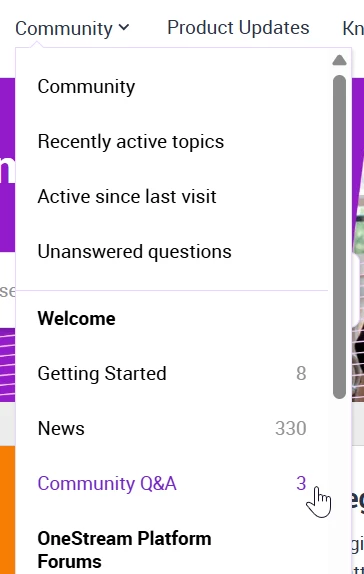
This space is specifically for questions about using the OneStream Community itself — things like:
- "Where do I find forums for a specific product area?"
- "How do I update my profile or notification settings?"
- "Why isn't my post showing up?"
- "How does the certification badge system work?"
It's not meant to replace our product forums like Application Build, Reporting, or Rules — those are still the right place for OneStream technical questions. Think of Community Q&A as your front desk: if you're not sure where something belongs, or you just need help navigating the site, ask here first.
No question is too small, and if you're new to the community, this is a great first stop to get oriented.
Why Marking "Best Answer" Matters
If you've ever posted a question and gotten a reply that solved your problem, here's a quick ask: mark that reply as the Best Answer.
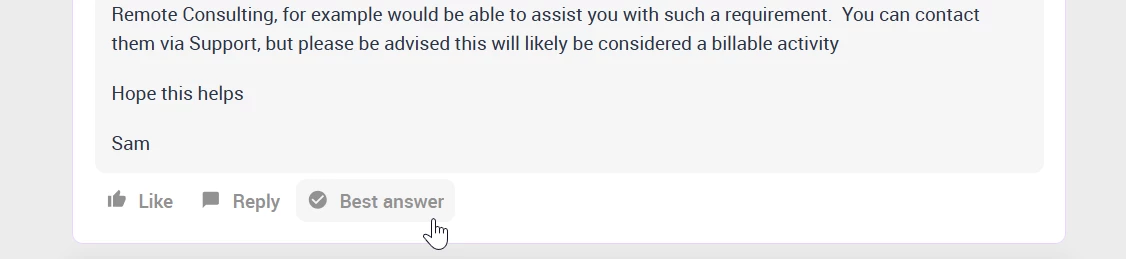
It only takes a second, but it makes a real difference — for you, for the person who answered, and for everyone who finds your thread later. Here's why:
It helps the next person with the same question. Communities are searchable, and most people who land on a topic aren't the original poster — they're someone Googling the same issue months later. A clearly marked Best Answer means they can scan straight to the solution instead of reading through an entire thread guessing which reply actually worked.
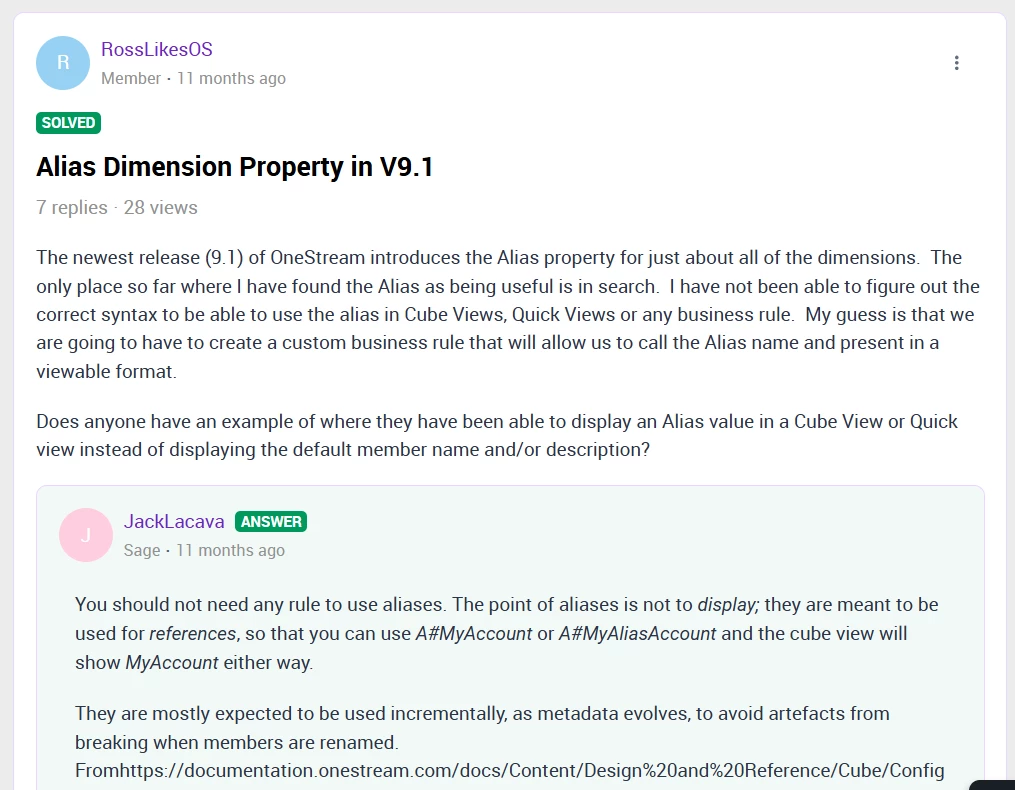
It improves how easily topics show up in search. When a topic has a confirmed answer, it tends to surface better both within the community's own search and in external search engines like Google, AI, etc. That means your question — and its solution — becomes a resource that helps far more people than just you.
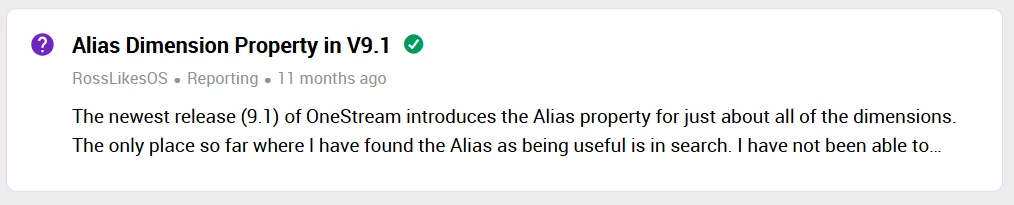
It reduces the need for repeat questions and support tickets. When answers are easy to find, fewer people need to open a new topic (or a support case) asking something that's already been solved. That means faster answers for everyone and less time spent re-answering the same question — which frees our most active community members up to spend more time helping with new, unanswered questions.
It recognizes the person who helped you. Marking a Best Answer is also a great way of saying “thanks” — it highlights the community member who took the time to help, and gives them credit for a solid contribution — increasing their rank here on the community.
So, the next time someone solves your problem in a reply, take that extra second and mark it. It's a small action with a big ripple effect.
Have questions about either of these? Drop them in the comments below or in the new Community Q&A