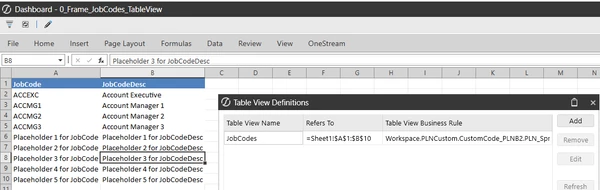

LIM: Example of Register Field Population from a Table View
DISCLAIMER: It should be noted that the focus of this technical guide is to provide general information, considerations, and guidelines for an identified topic. It is NOT to be interpreted as the ONLY approach nor a guarantee that there will not be any issues encountered by using this approach as a customer’s requirements or application configuration may render this guidance as not applicable. |
VERSION: PV900 SV200
PLATFORM: 9.2.0
USE CASE: your customer wants a standard repository to store supplementary information to be used to populate certain Register Fields. In this example, a list of job codes and its descriptions is handled as a Table View. The user is able to make updates to it as a Spreadsheet component within an OneStream dashboard. Every time a user selects a job code or inputs a job code in the Register, the expectation is that the Job Code Description register field is populated with the description that is from this table view.
PURPOSE: to provide you with an example that you can leverage as part of your build
ADDITIONAL INFORMATION:
- You have a custom table to be the underlying source
- Your customer has made it very clear that the user does not want to manually click to add new Job Codes. Rather, the user wants to interact with the table like an Excel. Therefore…
- You want the dashboard to display like it did for the .csv (Excel-like) but the information entered are captured in the XFC table
ASSUMPTIONS AND GENERAL STEPS:
- The relevant Register Fields have already been created. In my example, I have JobCode and JobCodeDescription register fields.
- The relevant custom XFC table is created. For my example, the XFC table comprises of two columns, one is JobCode and the second column is JobCodeDesc.
- Adding a Spreadsheet Business Rule file and its logic to your custom Assembly component
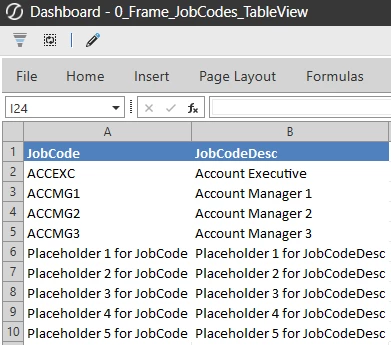
- A simple dashboard that allows the user to update the table view, which the underlying table is the XFC table.
This section covers the creation of a custom Spreadsheet Business Rule file to allow for this table view.
NOTE: there is a dependency prior to this Spreadsheet Business Rule file creation, which is the custom XFC table and its logic. If you are looking for example logic that can populate a Register Field based on the XFC table, refer to LIM: Example of Register Field Population from a Custom XFC Table.
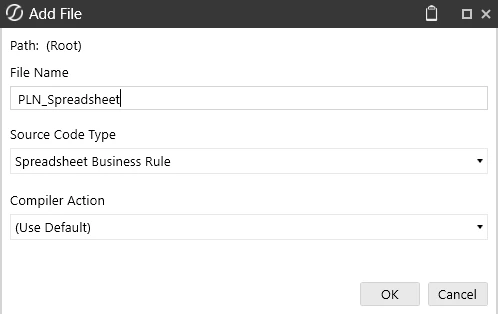
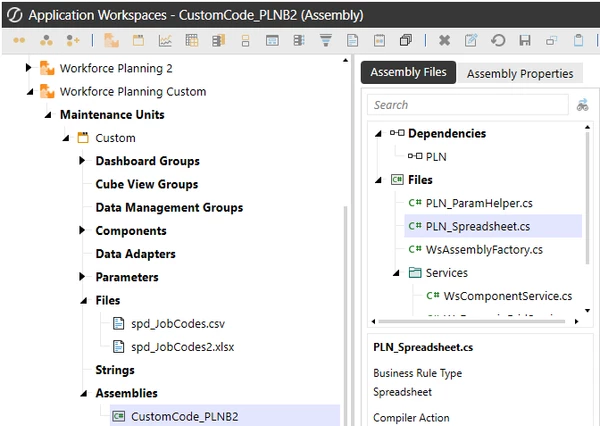
Spreadsheet Business Rule Type Components
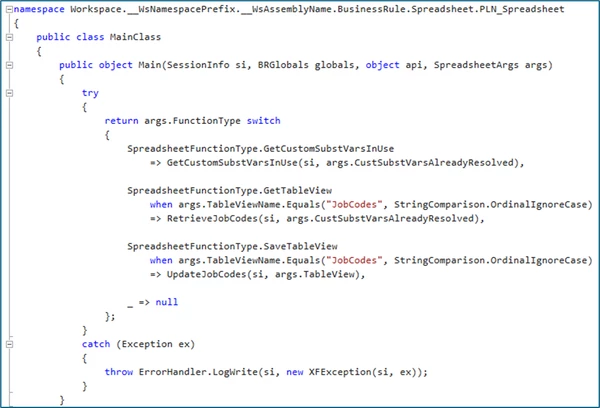
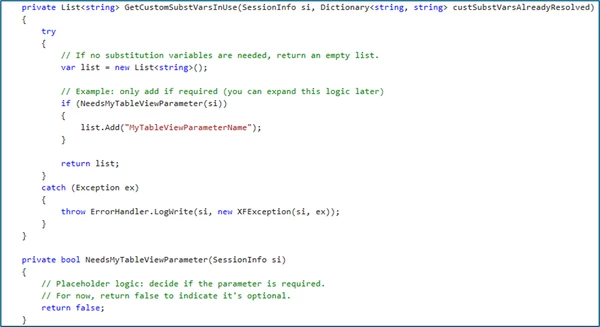
- GetCustomSubtVarsInUse: used to define the interaction with OneStream Dashboard parameters
- GetTableView: used to define the source(s) for the Table View
- SaveTableView: defines the table or cell intersections that should be written to a target database table
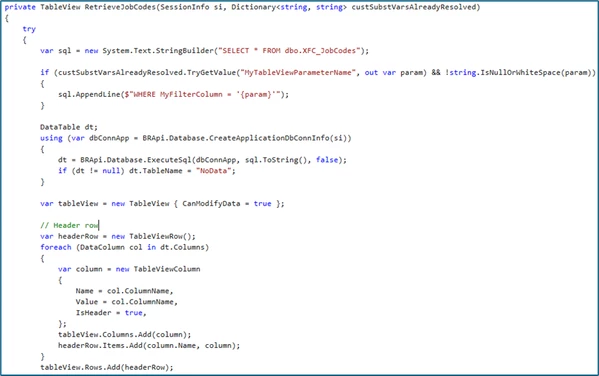
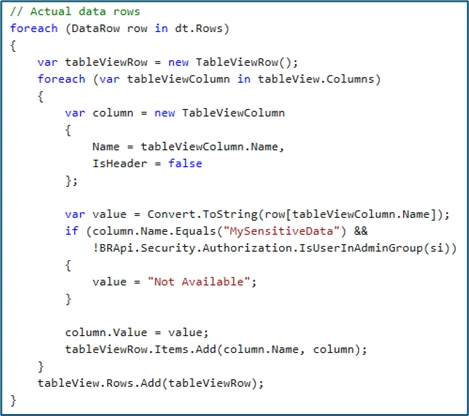
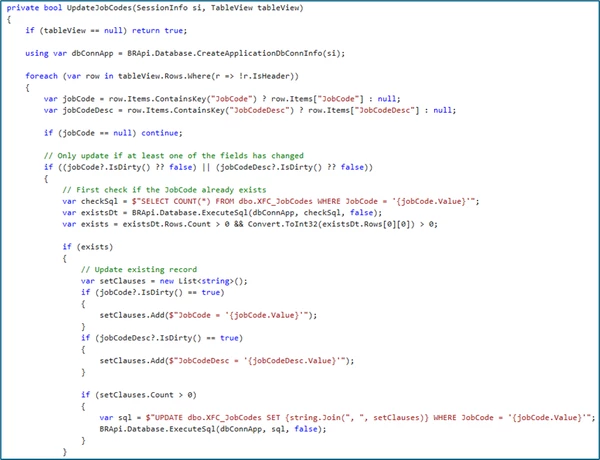
My sample code:
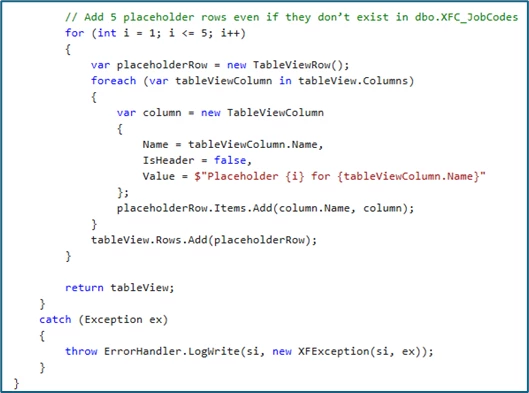
RetrieveJobCodes
private TableView RetrieveJobCodes(SessionInfo si, Dictionary<string, string> custSubstVarsAlreadyResolved)
		{
		    try
		    {
		        var sql = new System.Text.StringBuilder("SELECT * FROM dbo.XFC_JobCodes");

		        if (custSubstVarsAlreadyResolved.TryGetValue("MyTableViewParameterName", out var param) && !string.IsNullOrWhiteSpace(param))
		        {
		            sql.AppendLine($"WHERE MyFilterColumn = '{param}'");
		        }

		        DataTable dt;
		        using (var dbConnApp = BRApi.Database.CreateApplicationDbConnInfo(si))
		        {
		            dt = BRApi.Database.ExecuteSql(dbConnApp, sql.ToString(), false);
		            if (dt != null) dt.TableName = "NoData";
		        }

		        var tableView = new TableView { CanModifyData = true };

		        // Header row
		        var headerRow = new TableViewRow();
		        foreach (DataColumn col in dt.Columns)
		        {
		            var column = new TableViewColumn
		            {
		                Name = col.ColumnName,
		                Value = col.ColumnName,
		                IsHeader = true,
		            };
		            tableView.Columns.Add(column);
		            headerRow.Items.Add(column.Name, column);
		        }
		        tableView.Rows.Add(headerRow);

		        // Actual data rows
		        foreach (DataRow row in dt.Rows)
		        {
		            var tableViewRow = new TableViewRow();
		            foreach (var tableViewColumn in tableView.Columns)
		            {
		                var column = new TableViewColumn
		                {
		                    Name = tableViewColumn.Name,
		                    IsHeader = false
		                };

		                var value = Convert.ToString(row[tableViewColumn.Name]);
		                if (column.Name.Equals("MySensitiveData") &&
		                    !BRApi.Security.Authorization.IsUserInAdminGroup(si))
		                {
		                    value = "Not Available";
		                }

		                column.Value = value;
		                tableViewRow.Items.Add(column.Name, column);
		            }
		            tableView.Rows.Add(tableViewRow);
		        }

		        // Add 5 placeholder rows even if they don’t exist in dbo.XFC_JobCodes
		        for (int i = 1; i <= 5; i++)
		        {
		            var placeholderRow = new TableViewRow();
		            foreach (var tableViewColumn in tableView.Columns)
		            {
		                var column = new TableViewColumn
		                {
		                    Name = tableViewColumn.Name,
		                    IsHeader = false,
		                    Value = $"Placeholder {i} for {tableViewColumn.Name}"
		                };
		                placeholderRow.Items.Add(column.Name, column);
		            }
		            tableView.Rows.Add(placeholderRow);
		        }

		        return tableView;
		    }
		    catch (Exception ex)
		    {
		        throw ErrorHandler.LogWrite(si, new XFException(si, ex));
		    }
		}
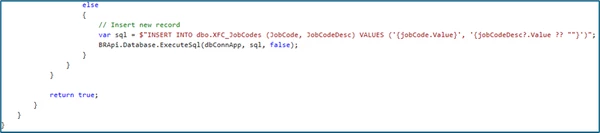
UpdateJobCodes
private bool UpdateJobCodes(SessionInfo si, TableView tableView)
		{
		    if (tableView == null) return true;

		    using var dbConnApp = BRApi.Database.CreateApplicationDbConnInfo(si);

		    foreach (var row in tableView.Rows.Where(r => !r.IsHeader))
		    {
		        var jobCode = row.Items.ContainsKey("JobCode") ? row.Items["JobCode"] : null;
		        var jobCodeDesc = row.Items.ContainsKey("JobCodeDesc") ? row.Items["JobCodeDesc"] : null;

		        if (jobCode == null) continue;

		        // Only update if at least one of the fields has changed
		        if ((jobCode?.IsDirty() ?? false) || (jobCodeDesc?.IsDirty() ?? false))
		        {
		            // First check if the JobCode already exists
		            var checkSql = $"SELECT COUNT(*) FROM dbo.XFC_JobCodes WHERE JobCode = '{jobCode.Value}'";
		            var existsDt = BRApi.Database.ExecuteSql(dbConnApp, checkSql, false);
		            var exists = existsDt.Rows.Count > 0 && Convert.ToInt32(existsDt.Rows[0][0]) > 0;

		            if (exists)
		            {
		                // Update existing record
		                var setClauses = new List<string>();
		                if (jobCode?.IsDirty() == true)
		                {
		                    setClauses.Add($"JobCode = '{jobCode.Value}'");
		                }
		                if (jobCodeDesc?.IsDirty() == true)
		                {
		                    setClauses.Add($"JobCodeDesc = '{jobCodeDesc.Value}'");
		                }

		                if (setClauses.Count > 0)
		                {
		                    var sql = $"UPDATE dbo.XFC_JobCodes SET {string.Join(", ", setClauses)} WHERE JobCode = '{jobCode.Value}'";
		                    BRApi.Database.ExecuteSql(dbConnApp, sql, false);
		                }
		            }
		            else
		            {
		                // Insert new record
		                var sql = $"INSERT INTO dbo.XFC_JobCodes (JobCode, JobCodeDesc) VALUES ('{jobCode.Value}', '{jobCodeDesc?.Value ?? ""}')";
		                BRApi.Database.ExecuteSql(dbConnApp, sql, false);
		            }
		        }
		    }

		    return true;
		}
Then create the Spreadsheet component and create the link: