


Tech Talks: Genesis Development with the Solution Packaging Kit (SPK)
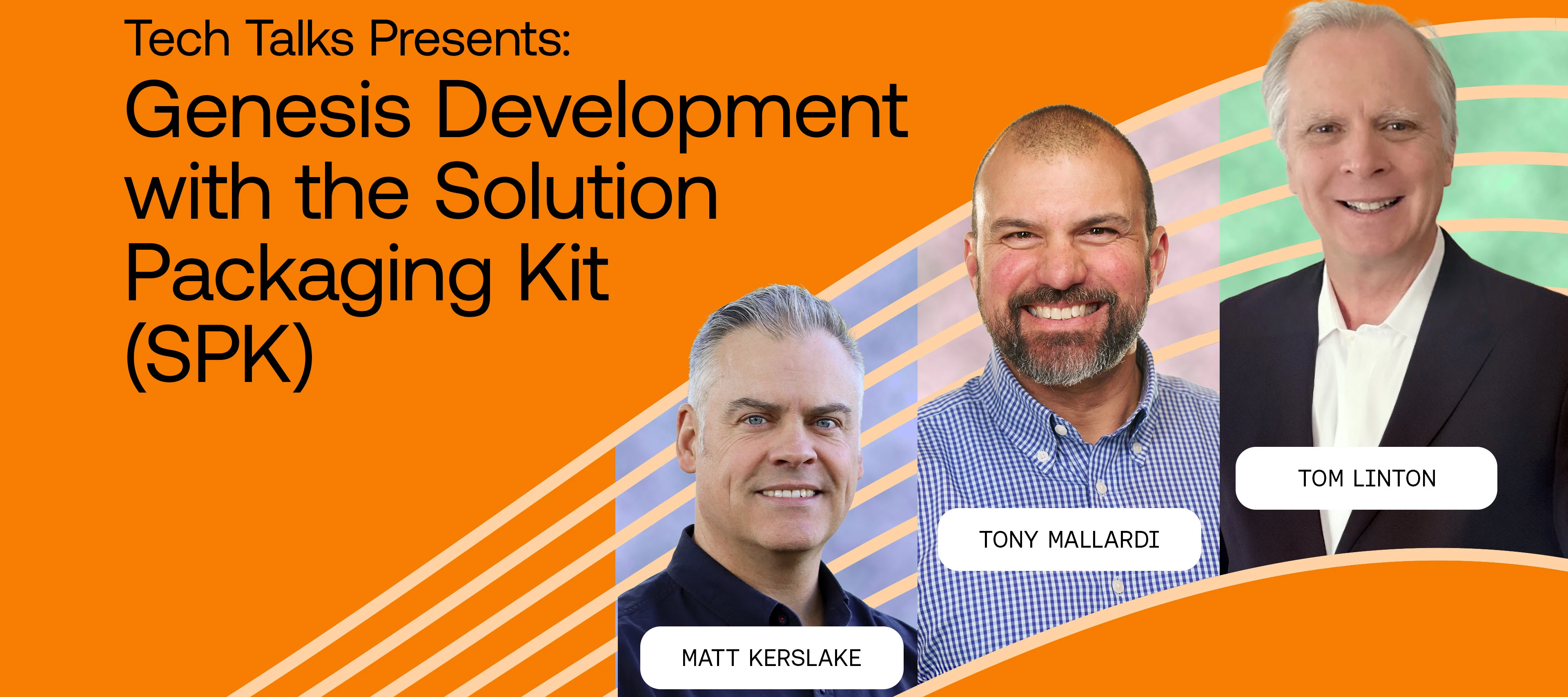
On this episode of Tech Talks, Tony Mallardi, Tom Linton, and Matt Kerslake explore how OneStream is supporting our developer community. Learn what the Solution Packaging Kit (SPK) is and how it helps frame development as we launch a new series “Developing Developers!”
Key Topics Covered
- Genesis SPK (Solution Packaging Kit): a developer-focused framework within OneStream that provides structure for building, packaging, and deploying application content and solutions on top of the OneStream platform
- OneStream as a platform: the concept of writing software on software — just as the iPhone and Android ecosystems enable third-party apps, OneStream enables partners and customers to build solutions within the platform
- Genesis as a workspace: at its core, Genesis provides a structured workspace that supports both user experience activities and deeper developer scenarios, extending prior Tech Talk topics on Genesis UX
- Maintenance units: the foundational building blocks in Genesis SPK, used to create and organize application content — consistent naming conventions for maintenance units are emphasized as a best practice
- Content blocks: pre-built, reusable dashboard components that developers can snap together to rapidly assemble complex user experiences without rebuilding common elements from scratch
- Speed of content block assembly: a dashboard that would require 10–20 individually configured components (images, labels, parameters, container dashboards) when built manually can be assembled in under two minutes using content blocks
- Creating new applications in Genesis SPK: how to create a new application or collection of maintenance units within the framework as the starting point for solution development
- POV (Point of View) configuration: setting and managing user point of view within Genesis-built dashboards, including passing POV values via clipboard for quick configuration
- Cube view injection: embedding a cube view directly into a Genesis dashboard to provide data visibility within the solution experience
- Button creation and wiring: building action buttons within a maintenance unit — including naming conventions, icon selection, and linking the button back to dashboard components
- Content pane view: toggling off the toolbar to display only the content area, giving a preview of the final user-facing experience
- Linking newly created content: adding references and links to newly formed maintenance units and dashboards so they are accessible within the broader application structure