Solved
Open Workflow from Dashboard
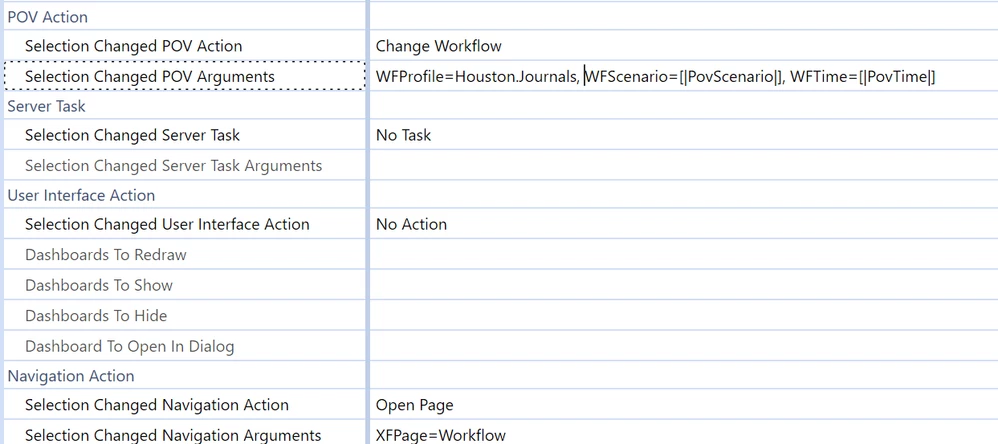
I want to navigate to a workflow from a dashboard button and thougt I found my answer in selecting the open page action and using "XFPage=Workflow". This works and when i click the button it takes me to the workflow page using my current WF settings. I was hoping to get more granular and go to a specific workflow and found in the Design and Reference Guide this example which I was hoping to explore: "XFPage=Workflow:NameofWorkflow" Has anyone worked with this succesfully as I just cant seem to get it to work and not sure if there is some syntax nuance I am missing. Using GolfStream as an example I am trying "XFPage=Workflow:Houston.Journals" as an example but nothing. It stops going to workflow at all.