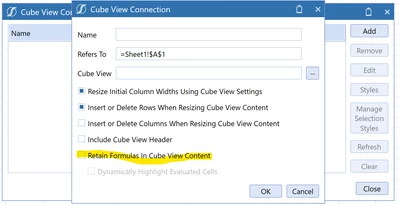
Linking external Excel Spreadsheet to cube view input spreadsheet
Hi all,
I'm building a cube view which includes pre-filled columns including 12 months for CY budget, PY actuals and columns for YTD actuals. Additionally, I have included all future months in the year to be for the Forecast scenario for users to input.
I have embedded this cube view into a spreadsheet form, so that users can either directly enter their forecast numbers into the spreadsheet in OS app, or it can be opened in Excel for users to complete outside the system. When I open the file in Excel, the CV correctly works and refreshes, and submission correctly writes the cells back to Onestream when FCT1 numbers are entered.
However, I am stuck on one thing - is there a way to update the Cube View form cells by referencing other cells in another spreadsheet, or in the workbook? I can link 1 cell individually, but once I reference the cell, it automatically converts to a number and I cannot autofill any formula link to the remaining cells. Most users will either be wanting to link to the budget numbers and adjusting those, or workings they have in their own spreadsheets.
I know another option is to use setcells, but I am trying to avoid this method if possible for this purpose. Happy to hear of any thoughts, maybe I'm missing something simple.
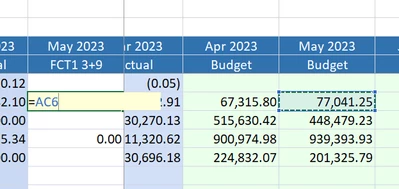
Able to link 1 cell:
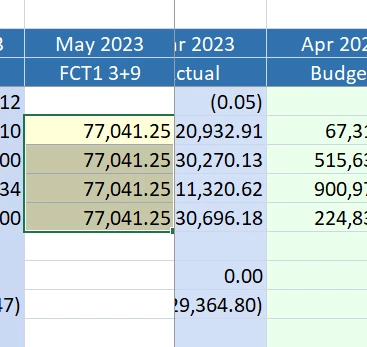
Converts immediately to a number and unable to drag cell reference down:
Thanks
Andrew