Member
July 30, 2026
Solved

Genesis - BI Viewer Data Source Cube view

  • July 30, 2026
  • 2 replies
  • 59 views

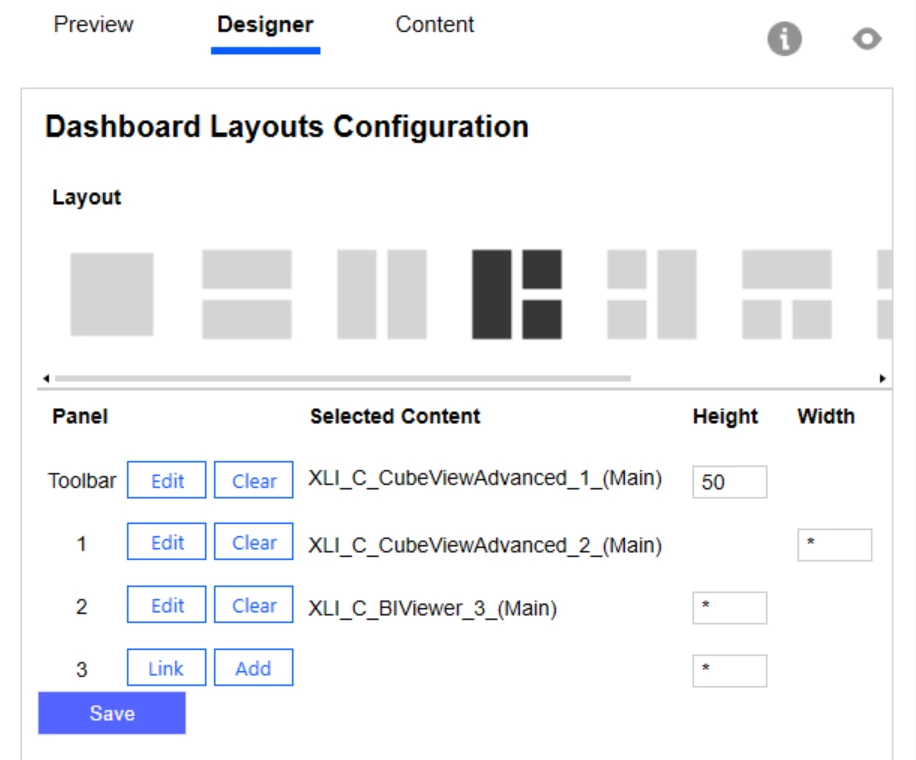
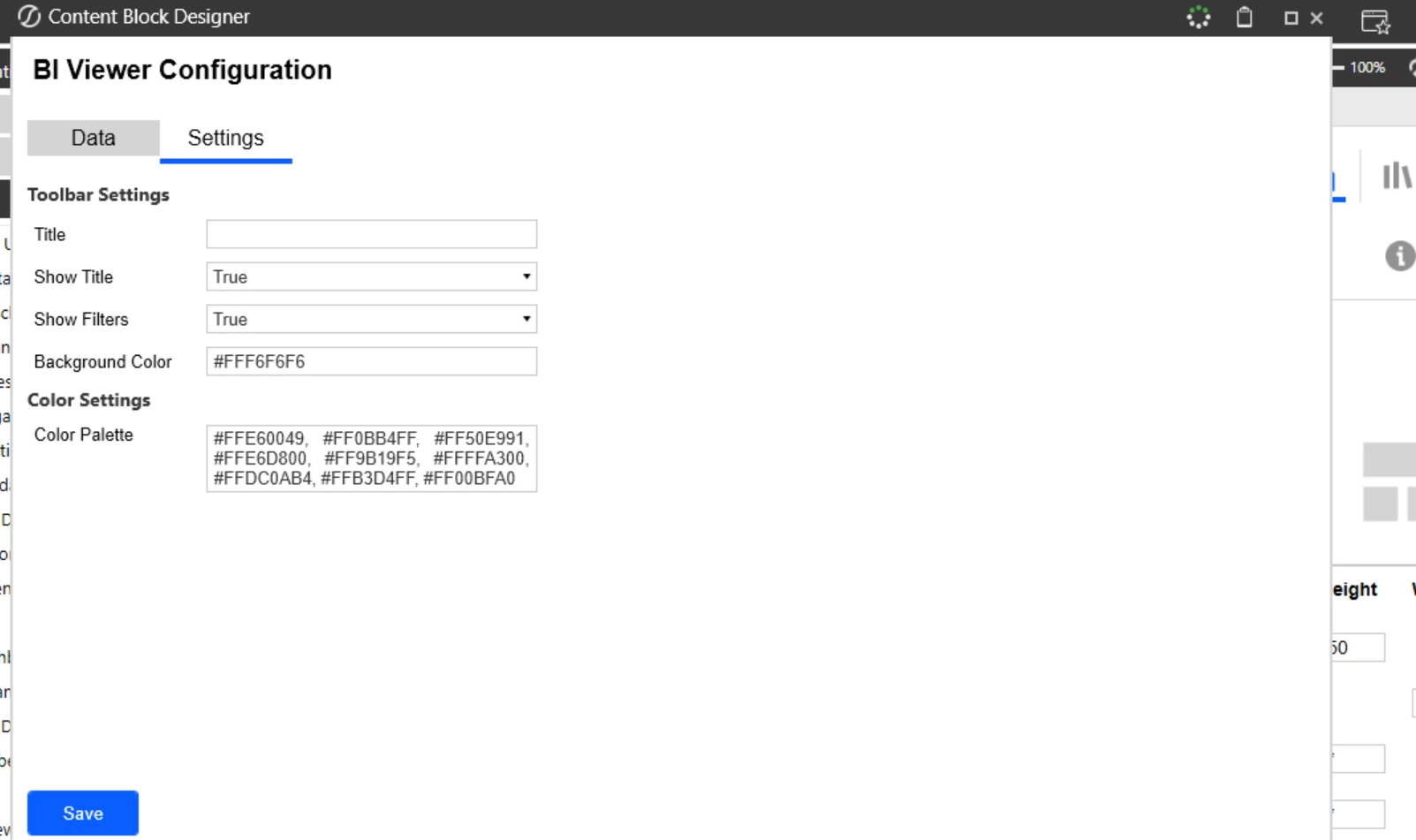
Hi I am trying to build a Genesis dashboard wherein for BI viewer the data source i have taken is cube view , I can not see the toolbar to create a chart or graph after giving source of CV.


Best answer by Gert_vanderBijl

Hi ​@Shub, you have to log into the Browser to be able to maintain the BI Viewer elements. This can be done via Preview, Content, or the Navigator but you will need maintenance access. 

Look for the pencil icon on the right hand corner:

This will open the BI Designer:
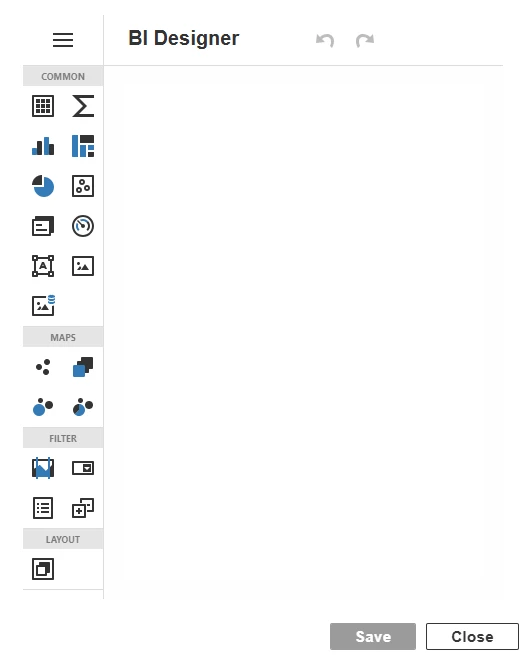
 

This is only available in the Browser and not in the windows application

2 replies

Advisor
August 5, 2026

Hi ​@Shub 

Please can you share a screenshot of the Data tab in your BI Viewer Designer block.  Currently you have only shared Settings screenshot in Designer screen of this block.  This should hopefully help demystify. 

Thanks

Sam

Gert_vanderBijl
OneStream Employee
OneStream Employee
September 7, 2026

Hi ​@Shub, you have to log into the Browser to be able to maintain the BI Viewer elements. This can be done via Preview, Content, or the Navigator but you will need maintenance access. 

Look for the pencil icon on the right hand corner:

This will open the BI Designer:
 

This is only available in the Browser and not in the windows application