Date Format lost when exporting data from Grid View by Export to Excel XML / SQL Query
Hello,
I created a Grid View to export data from database by SQL query. Some columns should be in number format and others in date format. I defined date format in both SQL query and in Grid View. But when I export data by right click from grid view -> Export To Excel XML, all columns are in text. How can I change default setting of XML Export so that columns will have correct formats ?
Thanks in advance.
Summer
Format in SQL Query:
FORMAT(ActiveDate, 'dd/MM/yyyy') as BuildingDate,
Format in Grid View:
ColumnName = BuildingDate, DataFormatString = dd/MM/yyyy,
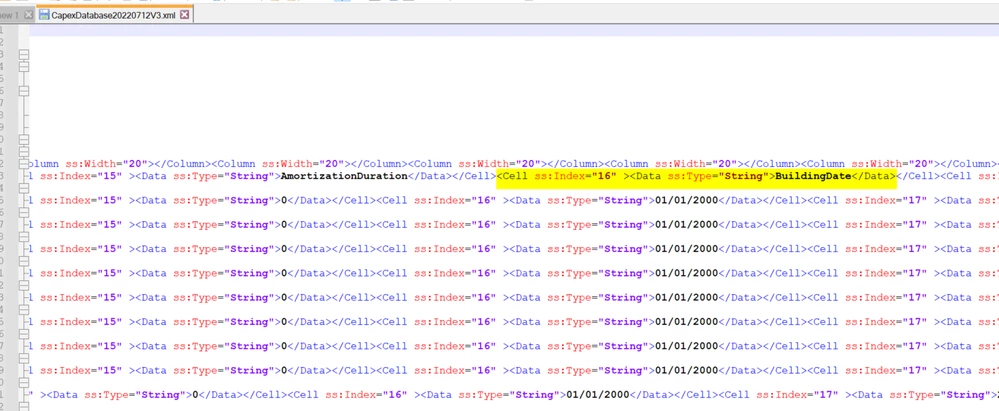
Export XML file: