Solved
CV format total line different from row expansion details
Hi all,
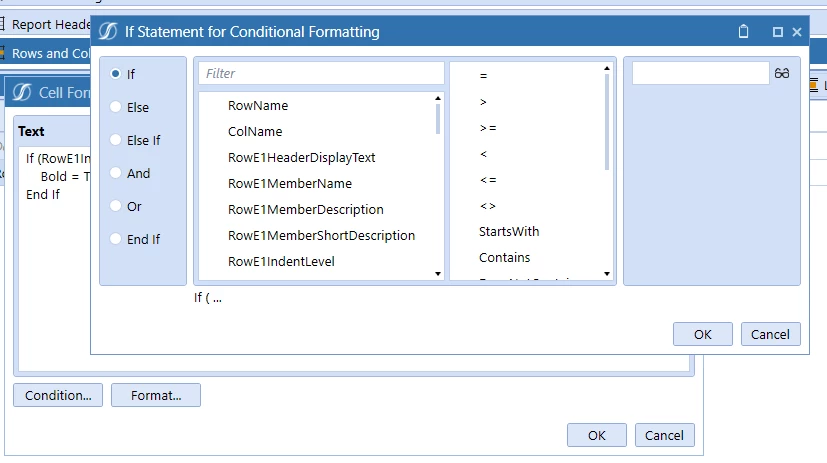
Is it possible to format the top row of an expansion different from the expansion details in a cube view if they are the same line on the CV set up? For example, I would like the formatting to have the Total Product line bold with the details under it not bold and with only one expansion at Total Product.

It seems the only way I can do that is to have one row in the CV set up for Total Product formatted one way and a separate line below for the details formatted another way (result in screenshot above). The problem is then my expansion isn't really where it should be and the first detail line (Branded Pharm) will always show.
I can't figure out a way to do this but if it's possible, please let me know!