Solved
Calculation Script field when using Fomula for Calculation Drilldown
Hi there,
I am programming validation accounts, where I compare various data points in my application.
For example:
Depreciation Balance Sheet - Depreciation P&L = 0
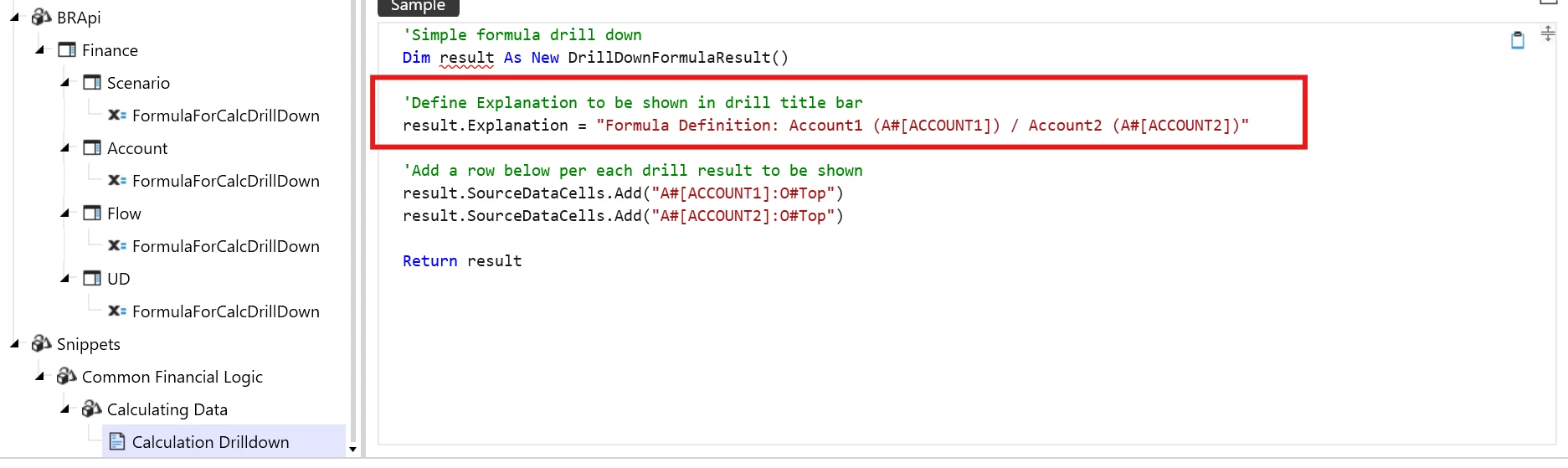
I am using now the “Formula for Calculation Drill Down” to visualize the different data points which are used in the formula - so far so good.
BUT - I would like to include the “plus” and “minus” signs to make it obvious how the system is calculating the different arguments of the formula.
Do you have an idea how I could get that? It could be a text string in the field “calculation script” for what I care, but it would be fantastic to have the signs line by line.